 Near
Near


Join the Near beta
Near lets you send one small line to someone you trust and feel their answer come back. The beta is free. Apple reviews for new updates can take several days or longer. TestFlight is Apple’s way to try the latest version before the App Store release. It will not replace anything on your phone, and you can leave any time.
Looking for the public release? Download Near on the App Store
Already have TestFlight? Open the Near invite
On your iPhone now? Just tap each step in order.
- It’s free, and it’s Apple’s own app.
- It won’t replace anything on your phone.
- You can leave the beta any time.
What you keep in Near stays private — read how it stays private · see how inviting works.
Three steps. About two minutes.
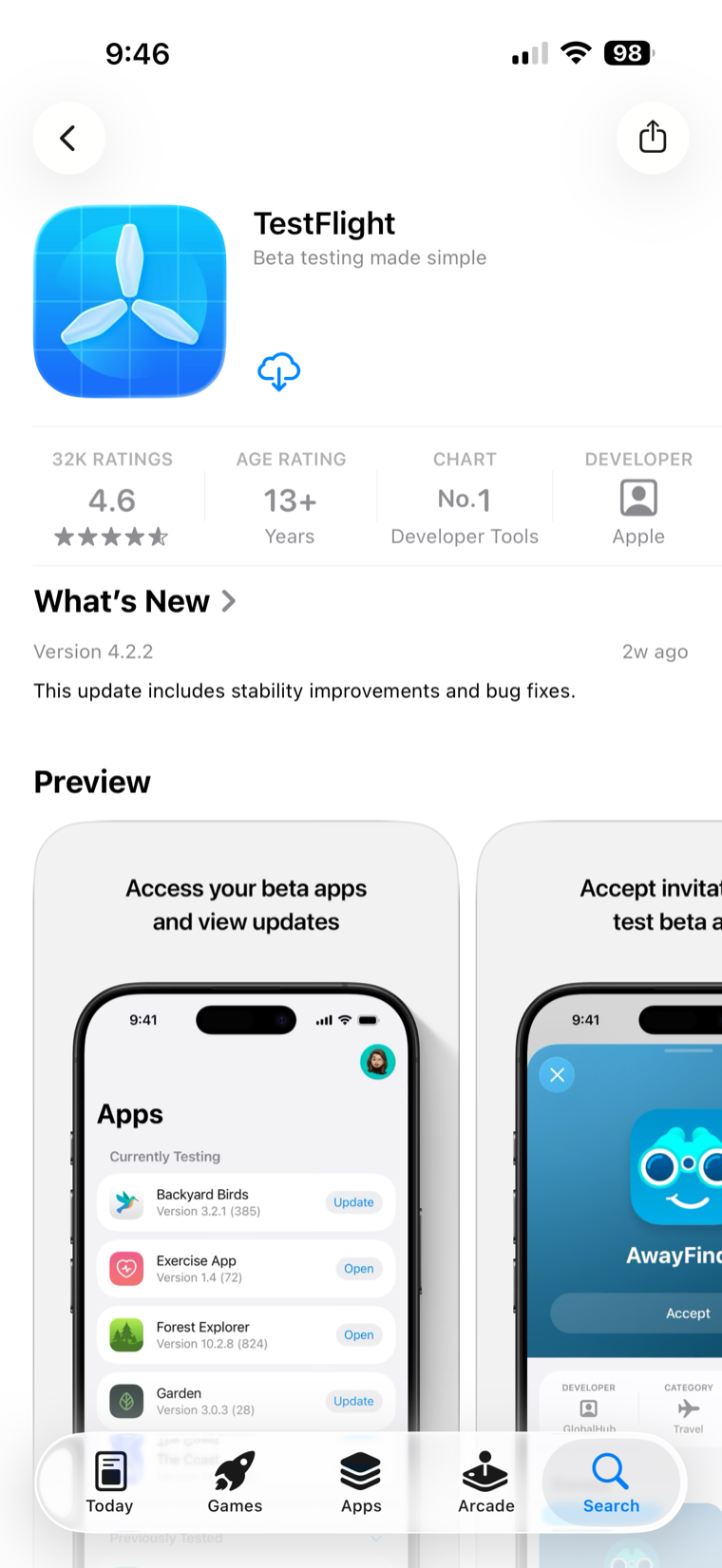
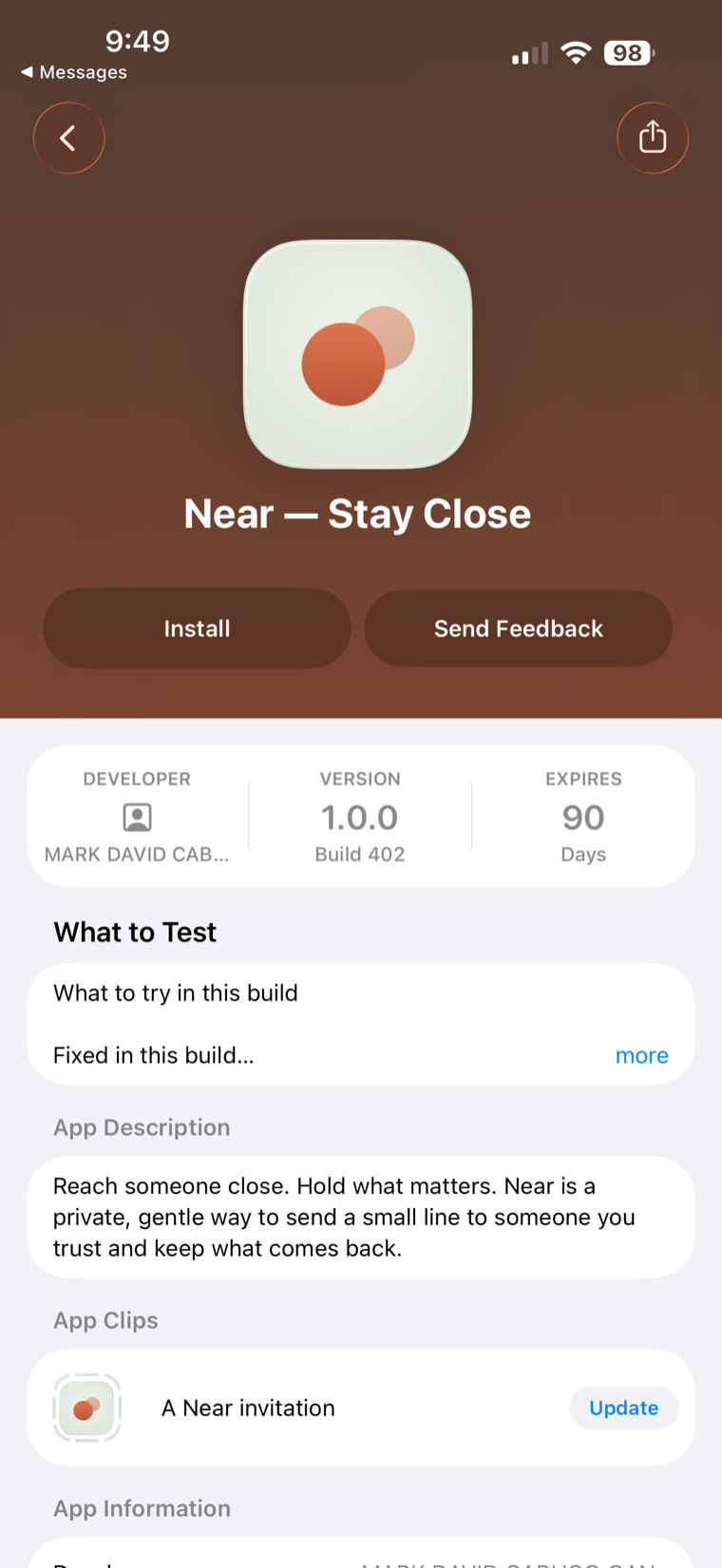
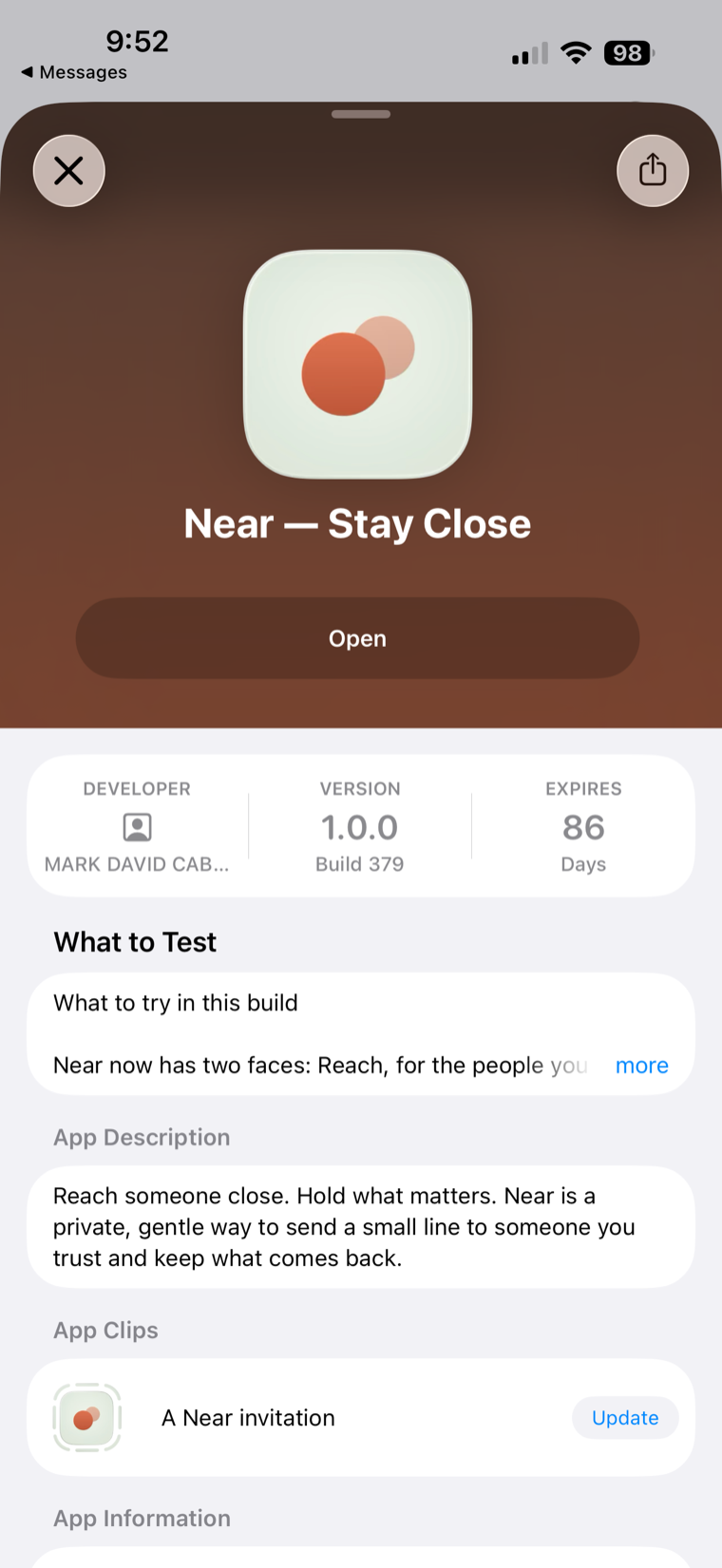
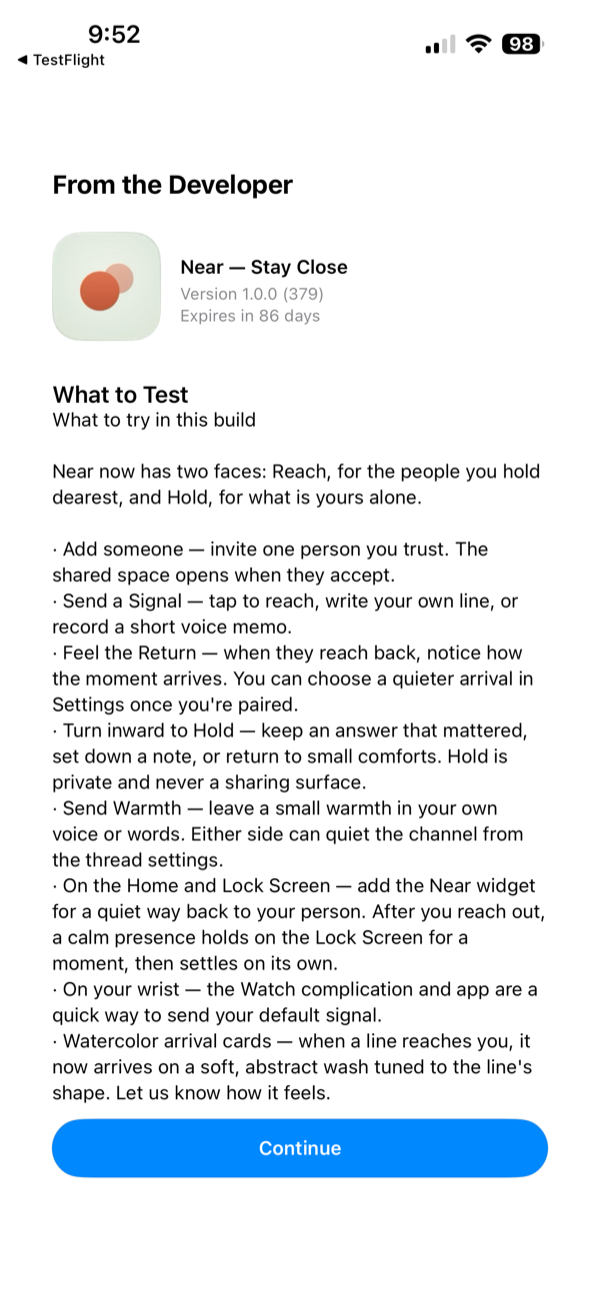
What you might see along the way
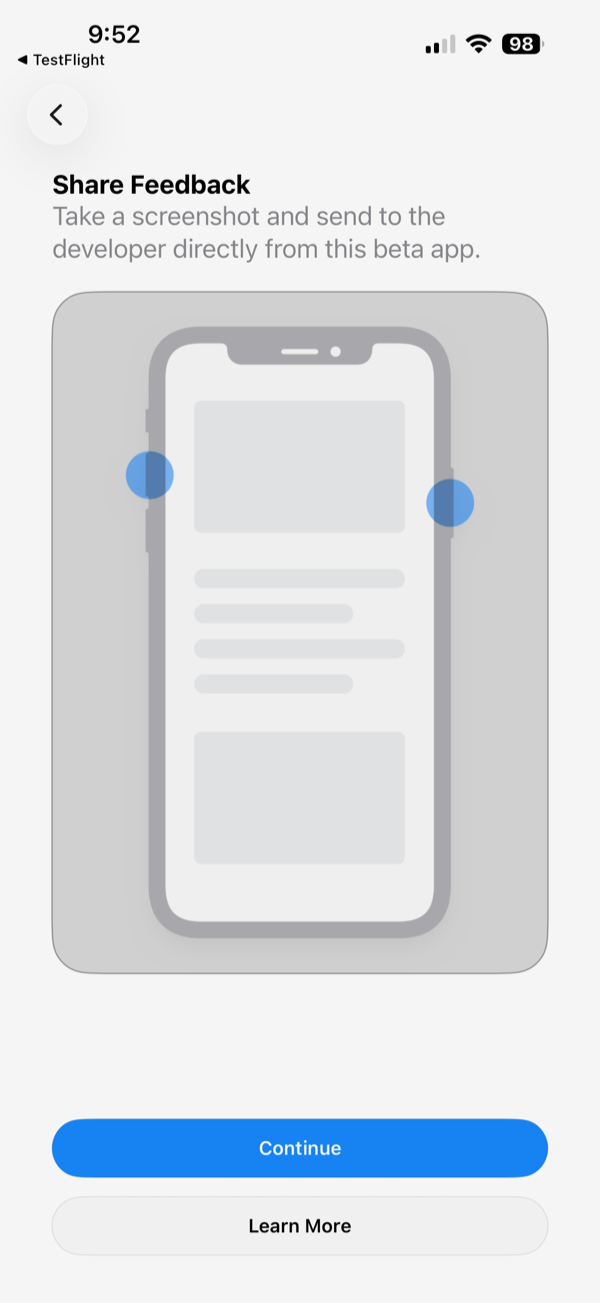
Apple may show a screen or two before Near opens — a “What to Test” note or a “Share Feedback” prompt. Just tap Continue. You don’t have to send any feedback, and nothing is shared unless you choose to.
Trying Supporter?
Tap Subscribe and you'll see Apple's real purchase sheet — that's expected. TestFlight installs always go through Apple's sandbox, so no card is ever charged and no subscription actually starts. You can try it, cancel it, and try it again as many times as you like.
On a computer?
TestFlight installs on iPhone or iPad. Send yourself this page and open it there.
https://keepnear.app/beta